Download youtube video

Download YouTube Videos
You’re 30,000 feet up, the Wi-Fi drops, and your video freezes. According to industry data, constant streaming heavily drains both battery life and monthly data plans. Choosing to download YouTube video files directly to your local storage solves this problem completely.
Grabbing that footage starts with copying its web link, which acts as a digital home address. Official YouTube Premium features and external third-party tools both require this specific address to locate your file.
Safety must come first, as many free converter websites hide malicious ads. Secure methods exist for saving YouTube content for offline watching without putting your computer at risk.
Why YouTube Premium is the Easiest Official Way to Go
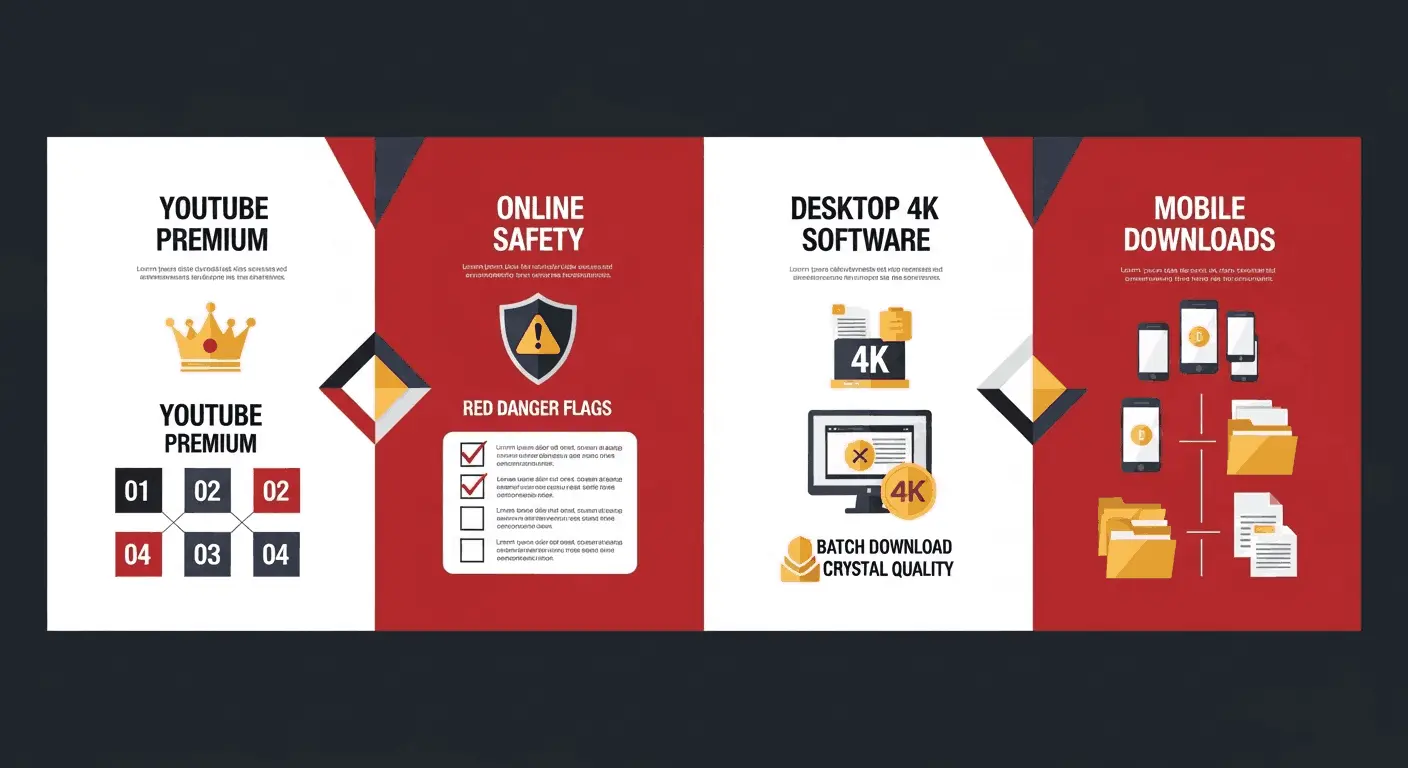
Imagine locking your phone screen while your music keeps playing. That magic is called background play, and it is one of the best YouTube Premium offline viewing benefits. This official subscription gives you a built-in, legal hall pass to save content right inside the app, entirely ad-free.
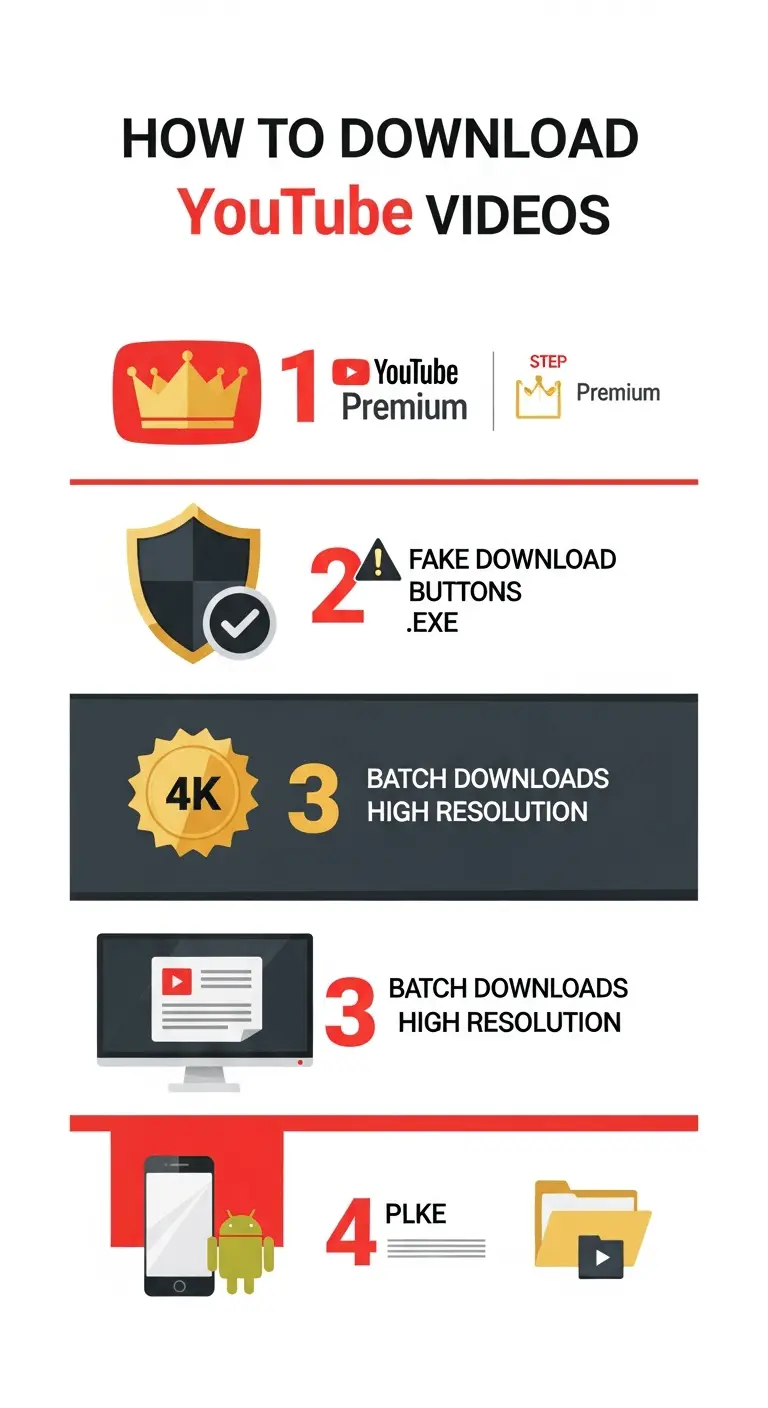
Saving a video requires just four quick steps:
Find the video you want to watch.
Tap the “Download” button directly below the player.
Select your preferred video quality.
Access your files later via the “Library” tab.
However, there is a catch acting like a digital rental agreement. YouTube requires your phone to connect to the internet at least once every 29 days to verify your active subscription. If you miss this brief check-in, your saved offline files will expire and vanish from your device.
Downloading videos without Premium requires leaving the safety of the official app. Relying on external tools for a one-off trip means navigating online video converters carefully to avoid catching a virus.
Using Online Video Converters Without Catching a Virus
Stepping outside the official app to use a YouTube video downloader is like navigating a busy street market. You can successfully download online free YouTube content, but you must stay alert. The biggest trap is the fake download button—clever advertisements designed to look exactly like the real link you need.
To avoid malware when saving online videos, your best defense is recognizing these common tricks. Always watch out for these dangerous red flags:
Flashing ‘Start’ buttons
Pop-up windows
Requests for system access
Before opening anything, check the saved file’s name. The best online video converters to MP4 will always deliver a file ending in “.mp4″—the standard digital label for a video file. If it ends in “.exe” instead, delete it immediately. If web tools feel too risky or you want crystal-clear resolution, desktop media grabbers offer the secret to 4K quality and batch saves.
Desktop Media Grabbers: The Secret to 4K Quality and Batch Saves
While web tools resemble a busy street market, dedicated desktop software acts as a private vault. Getting a secure YouTube video download 4K file without annoying pop-up ads is easiest when you install a trusted program directly onto your computer.
Think of video resolution like window sizes. A standard 720p file is a small window, but a 4K file is a massive, crystal-clear view that requires significantly more hard drive space. When browsing 4K media grabber software reviews, remember that desktop apps offer three main advantages over websites:
True YouTube video downloader 4K support for the sharpest picture quality.
Automated tools to batch save entire YouTube playlists without clicking each link.
Faster transfer speeds safely routing files directly to your default folders.
Grabbing multiple videos simultaneously—called batch saving—is perfect for archiving a full tutorial series overnight. Making this high-quality content portable requires specific steps for saving clips directly on iPhone and Android.
From Phone to Pocket: Saving Clips on iPhone and Android
Smartphones handle digital files much differently than computers. When learning how to download YouTube videos on your phone, the biggest hurdle is finding where files land. Your device uses specific “Files” apps to organize media, so managing local storage space is crucial to avoid a full memory warning.
A reliable download YouTube video iPhone or Android process involves four clear steps:
Copy the video link from the app.
Paste it into a safe, mobile-friendly browser tool.
Understand how to save a YouTube video to files by locating your device’s default “Downloads” folder.
Transfer the saved clip into your Photos or Gallery app.
Having tutorials sit perfectly next to personal pictures ensures easy access. Yet, technical know-how doesn’t mean every clip is legally free to grab; official rules protect creators’ work.
The Legal Fine Print: Terms of Service and Personal Use Safety
Watching clips online means agreeing to a digital contract. Understanding the YouTube terms of service copyright policies is like knowing the house rules before visiting a business. Creators rely on views and ads to earn a living. When you rip YouTube videos using outside tools, you break those platform rules because offline viewing skips commercials.
However, breaking a website’s rule is different from breaking the law. The legality of saving YouTube content for personal use generally depends on keeping files private. If you watch a downloaded documentary on a flight and never sell or share it, you avoid copyright theft.
Keeping your offline library strictly for yourself protects you legally and respects the creator’s property. Navigating these boundaries safely prepares you for offline video success.
Your 3-Step Action Plan for Offline Video Success
You no longer need to panic when the Wi-Fi drops. You are now equipped to choose the perfect approach: YouTube Premium for effortless safety, a web-based YouTube downloader for quick clips, or desktop software for high-quality archives.
Use this Ultimate Download Checklist to stay unplugged but connected:
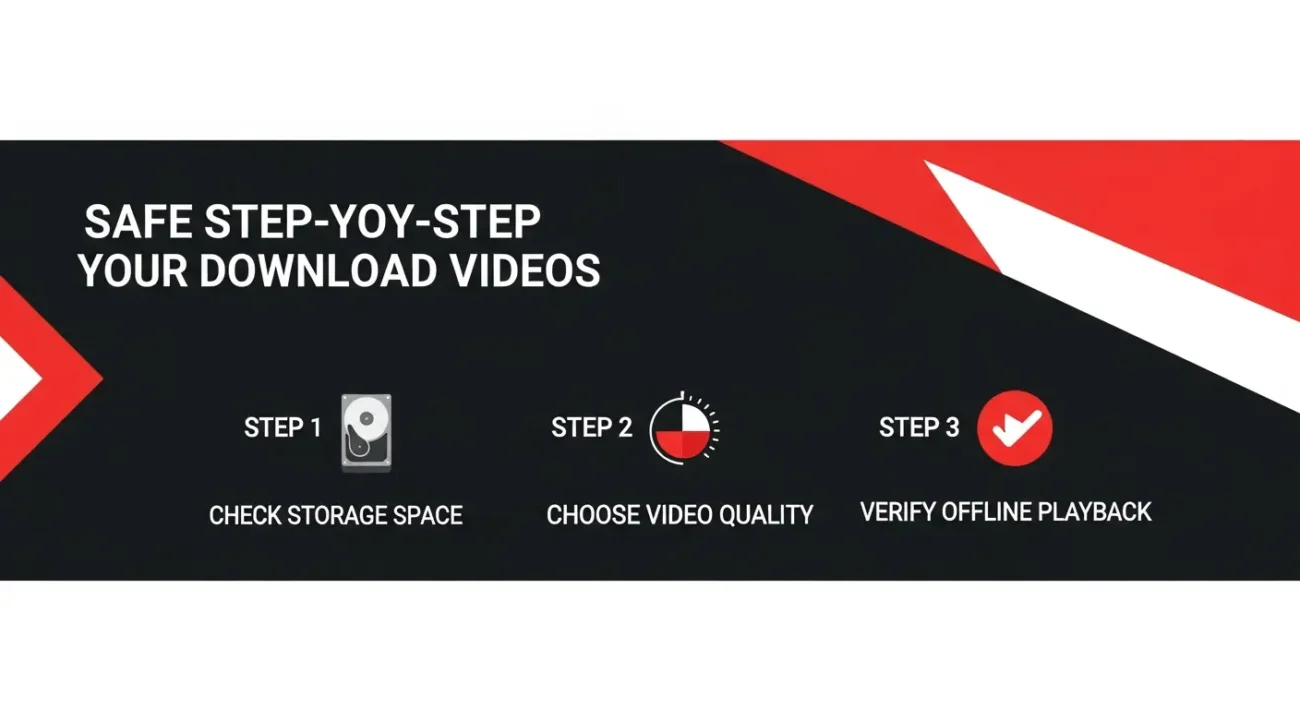
Check your device’s available storage space.
Choose the appropriate video quality for your screen.
Verify the file plays completely offline.